

Every month a startup gets an email with a number in it. Someone looks at the total, winces a little, and closes the tab. That’s the whole review.
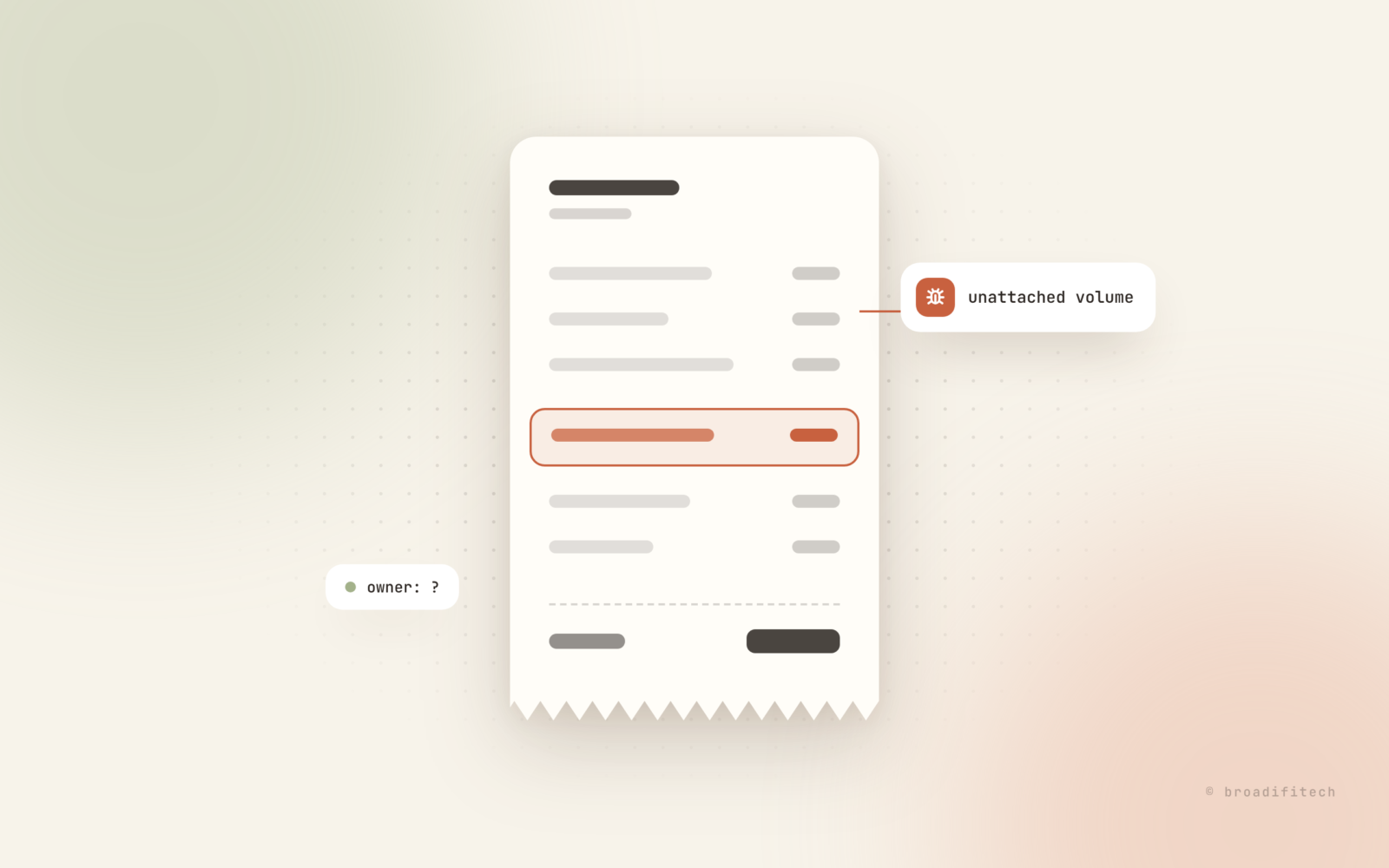
I think that’s the wrong way to read it. A cloud bill is a bug report. Each line is the system telling you something it is doing, whether you meant it to or not. Most lines are fine. A few are bugs: things running that nobody asked for, things sized for a launch that never came, data taking a route nobody planned. Nobody reads the report, so nobody fixes the bugs.
Here’s how I go through one, line by line, and turn each line into a fix. I’ll use AWS and GCP names because that’s what most teams I talk to run on, but the habit works anywhere.
Open the bill grouped by service, not the total
The total tells you nothing. Open AWS Cost Explorer or Cloud Billing reports on GCP, set the range to the last three months, and group by service. Then group by usage type. That second view is where the surprises live, because “EC2” hides a dozen very different things: instance hours, volumes, snapshots, NAT, data transfer.
For every line, I ask one question: who would notice if this disappeared tomorrow? If the answer is “nobody” or “I don’t know”, that line is a bug report with no assignee.
Bug 1: things that are running for nobody
This is the most common one and the most boring to fix. The usual suspects:
- Unattached volumes. You terminate an instance, the disk stays behind and keeps billing. On AWS, filter EBS volumes by state “available”. On GCP, look for disks with no users.
- Old snapshots. Someone set up a nightly snapshot two years ago with no expiry. Snapshots are billed by storage, and they pile up quietly.
- Idle load balancers. Load balancers bill by the hour whether or not anything is behind them. Leftovers from a demo or a migration are easy to miss.
- Dev and staging running 24/7. Nobody is testing at 3am on a Sunday. Stopping them outside working hours is usually a small script and a scheduler.
A quick way to find the first one on AWS:
aws ec2 describe-volumes \
  --filters Name=status,Values=available \
  --query "Volumes[].{id:VolumeId,size:Size,created:CreateTime}" \
  --output table
Don’t delete straight from that list. Snapshot it if you’re unsure, tag it with a delete date, and ask in the team channel. Most of the time nobody answers, and that’s your answer. GCP also has idle VM recommendations that do some of this hunting for you.
Bug 2: instances sized for a launch that never came
Someone picked a big instance before launch “just to be safe”. The launch was fine. The instance is still big.
Right-sizing should come from graphs, not gut feeling. Pull up CPU and memory for the last few weeks, look at the peaks, not the average, and pick a size that fits the peak with some headroom. One catch: CPU is collected by default, but memory usually needs an agent on the box (the CloudWatch agent on AWS, the Ops Agent on GCP). If you’ve never installed it, you’re guessing about half the picture.
AWS Compute Optimizer reads utilization metrics and suggests right-sizing and flags idle resources. I treat its suggestions as a starting point. It doesn’t know that your batch job spikes on the first of the month. You do.
Bug 3: data taking the expensive route
Data transfer is the line people understand least. It’s rarely one big thing. It’s a route that made sense once and now carries far more traffic than anyone expected.
The classic one is the NAT gateway. On AWS, a NAT gateway is billed per hour and per GB of data it processes. So when private instances pull container images or push files to S3 through NAT, you pay for that traffic to pass through the gateway. For S3 and DynamoDB there’s a simple fix: gateway endpoints, which AWS says have no additional charge. GCP has its own version of this story, so read the Cloud NAT pricing and network pricing pages once, slowly.
Other routes worth checking: traffic between availability zones or regions, and big downloads served straight from storage instead of a CDN. Group your transfer costs by usage type and the expensive route usually jumps out.
Bug 4: logs nobody will ever read
Logs feel free because you never see them. You do pay to store them though. On AWS, a new CloudWatch log group’s retention is set to “Never Expire” unless you change it, and the CloudWatch docs show where to set it. On GCP, check the routing and retention settings for your log buckets.
Ask the honest question: when did anyone last look at debug logs from four months ago? Pick a retention that matches how you actually debug. Keep audit logs as long as compliance needs. Turn down log levels in production that were left on DEBUG during a late-night fix. Same for custom metrics: every one you push is a line item, and dashboards nobody opens are not monitoring.
Give every line an owner
All of the above comes back if nobody owns anything. The fix is tagging. Every resource gets at least three tags: team, env, and service. On AWS, there’s one step people miss: you have to activate cost allocation tags before they show up in Cost Explorer. On GCP, use labels for the same thing.
Put the tags in your Terraform or whatever creates your infra, so new things are born tagged. Anything untagged is suspicious by default. That one rule turns “who made this?” from an investigation into a filter.
The 30-minute monthly review
None of this works as a one-time cleanup. It works as a habit. Here’s the routine I’d suggest, first week of every month, 30 minutes, one person:
| Minutes | What to do |
|---|---|
| 0 to 5 | Compare this month to the last three, grouped by service. Note anything that moved. |
| 5 to 15 | For each line that moved, group by usage type and tag. Find the owner. |
| 15 to 25 | Check the usual bugs: unattached volumes, old snapshots, idle load balancers, log retention, untagged resources. |
| 25 to 30 | Write tickets with an owner and a date. Not “look into costs”. “Delete these 4 volumes by Friday.” |
Add a budget alert so you hear about a surprise mid-month instead of after it. It costs nothing to set up and it’s the closest thing to a test suite your bill has.
Read it like you’d read a stack trace
When an app throws an error, nobody looks at the error count and closes the tab. You open the trace and find the line. The bill deserves the same respect. It’s honest data about what your system is doing every hour of every day.
Vibe-coded apps are a good example. They often ship fast with whatever infra the first tutorial suggested, and the bill is where that shows up first. I wrote about the first ten things I check when someone hands me a vibe-coded app, and cost is always somewhere on that list.
If you’d like a second pair of eyes on your setup, that’s part of what we do on our DevOps and cloud cost work. Or just block 30 minutes next week, open the bill, and start reading. You’ll find at least one bug. Everyone does.
