

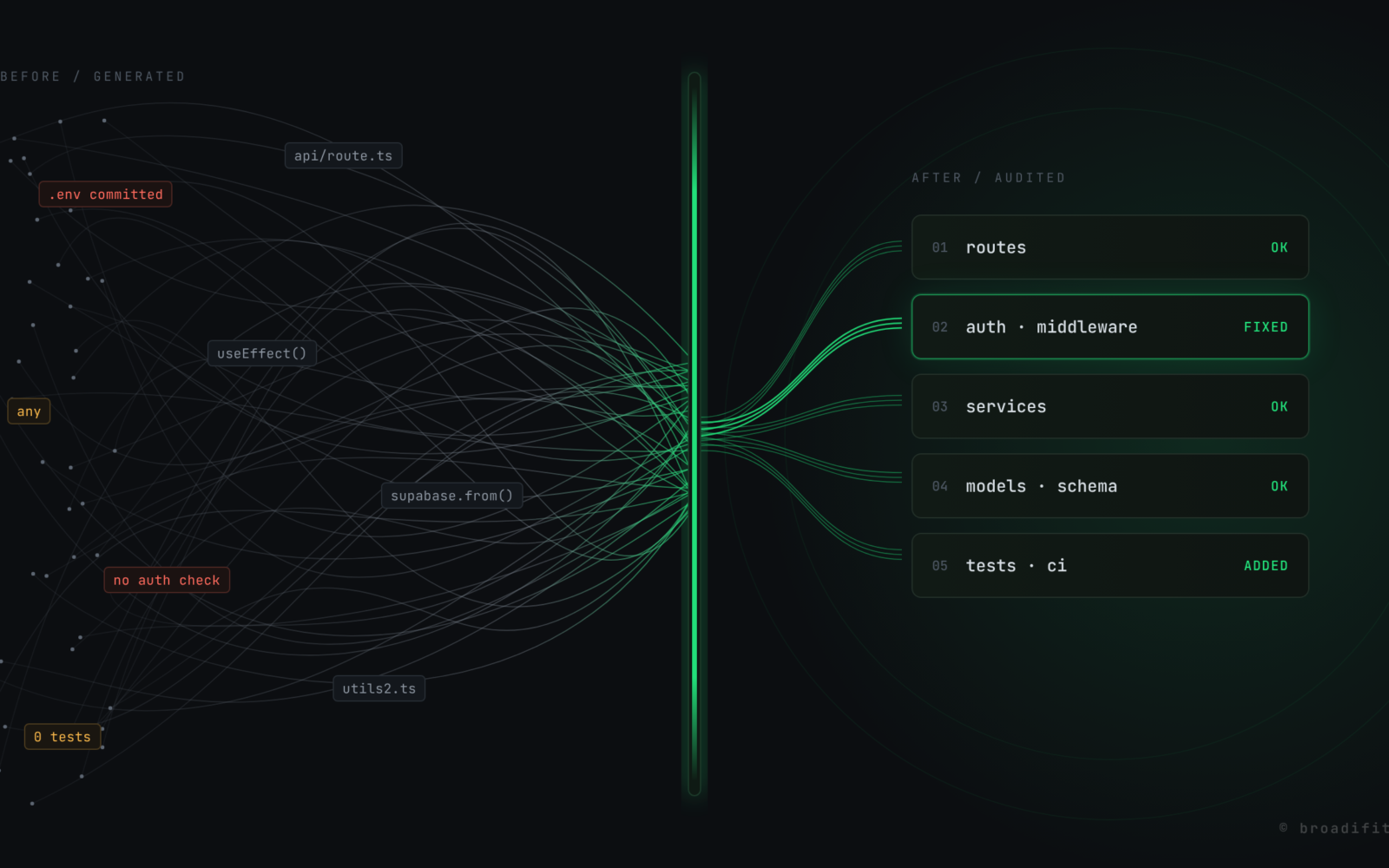
The demo always works. That’s the funny part. Someone builds an app over a few weekends with Cursor or Lovable or Bolt, shows it to a few friends, gets a couple of paying users, and then one evening a thought shows up: is this thing actually safe? Usually that’s when they send it to us.
I’ve opened a fair number of these codebases now, and I’ve stopped being surprised. The AI is good at making things that look finished. It’s much less good at the boring stuff nobody sees in a demo. So I check the same things, in roughly the same order, every single time. Here’s my list. If you built your app this way, you can run through most of it yourself in an afternoon.
1. Somebody committed the .env file
This is the first thing I look at, because it takes ten seconds and it’s bad news when it’s there. Open the repo and check whether .env or .env.local is in the history, not just the current folder. Deleting the file later doesn’t help. It’s still in git.
git log --all --oneline -- .env .env.local
If that prints anything, assume every key in that file is public. Rotate them. All of them. Then add the files to .gitignore so it doesn’t happen again.
2. Secret keys sitting in the frontend
Close cousin of the first one. In Next.js, anything starting with NEXT_PUBLIC_ gets shipped to the browser. I regularly find a Supabase service role key, a Stripe secret key or an OpenAI key in there because the AI needed it to “just work” from a client component. Open your site, view source, search for sk_ and service_role. You’d be surprised what turns up.
3. Auth that only lives in the UI
The login screen works. The dashboard is hidden from logged-out users. Looks fine. But hit the API route directly and it happily returns everyone’s data, because the check was only ever in the React component. This is the one I worry about most, because it’s invisible until someone goes looking.
Here’s what I usually find:
// app/api/invoices/route.ts
export async function GET() {
  const { data } = await supabase.from('invoices').select('*')
  return Response.json(data)
}
And here’s roughly what it should look like. Check the user on the server, and only return their rows:
export async function GET() {
  const supabase = await createClient()
  const { data: { user } } = await supabase.auth.getUser()
  if (!user) return new Response('Unauthorized', { status: 401 })

  const { data, error } = await supabase
    .from('invoices')
    .select('id, amount, status, created_at')
    .eq('owner_id', user.id)

  if (error) return new Response('Something went wrong', { status: 500 })
  return Response.json(data)
}
4. Row Level Security is switched off
If the app uses Supabase, I go straight to the table list and look for the little “RLS disabled” warning. With RLS off and the anon key in the browser (which is normal and expected), anyone can read or write your tables straight from the browser console. Firebase has the same problem with security rules left in test mode. Turning it on is a few lines per table:
alter table invoices enable row level security;

create policy "owners can read their invoices"
  on invoices for select
  using (auth.uid() = owner_id);
Then test it while logged in as a second user. If you can see the first user’s stuff, you’re not done.
5. Nothing checks what comes in
Forms send JSON, the API takes req.body and drops it straight into the database. No length limits, no type checks, nothing stopping someone from setting role: "admin" on their own profile. A small schema with something like Zod on every route that accepts input fixes most of this, and it doubles as documentation.
6. TypeScript, but with the safety off
Search the project for any and @ts-ignore. A few is normal. Hundreds means the AI hit type errors and made them go away instead of fixing them. Nobody decided to turn TypeScript off, it just sort of happened one prompt at a time. This one isn’t urgent the way auth is, but it tells me how careful the rest of the code is going to be.
7. Errors go nowhere
Lots of try { ... } catch (e) { console.log(e) }. In production, nobody reads that. So when a payment fails or a signup breaks, the first person to find out is a customer, and they usually just leave. Even a free tier of Sentry or something similar is a huge step up from nothing.
8. Zero tests
Almost always zero. I don’t tell people to go write a hundred tests. I ask one question: what’s the one flow that loses you money if it breaks? Signup, checkout, whatever it is. Write a test for that first. Then the next one. It’s not glamorous, but it’s the thing that lets you change code later without holding your breath.
9. The database is doing too much work
Fetching a whole table to the browser and filtering it there. A query inside a loop. No indexes on the columns everything is filtered by. None of this shows up with ten test users. It shows up with a thousand, usually on the day you get some press. Check the slow query log if your host has one, and look at what the busiest pages actually load.
10. One environment, deployed by hand
No staging, no CI, and the production database is also the development database. Sometimes there are no backups either, which is the part that keeps me up. Before anything else gets rebuilt, I want backups running, a separate place to test, and a pipeline that at least runs the build and the tests before something goes live. We wrote more about this side of things in production safety is an architecture decision.
The quick version
If you only have half an hour, this is the order I’d go in:
| Check | How to spot it fast | How bad |
|---|---|---|
| Secrets in git history | git log -- .env | Critical |
| Secret keys in the browser | View source, search sk_ | Critical |
| Auth only in the UI | Call the API while logged out | Critical |
| RLS or security rules off | Supabase table list, Firebase rules tab | Critical |
| No input validation | Read any POST route | High |
| No backups | Ask your host, then check | High |
| No error tracking | Break something on purpose, see who finds out | Medium |
| Zero tests | Look for a test folder | Medium |
| Slow queries | Slow query log, busiest pages | Medium |
any everywhere | Search the codebase | Low, but telling |
So, rewrite or fix it?
This is the question everyone asks, and honestly the answer is usually “fix it”. AI-built apps tend to get the screens and the flow mostly right, which is the part your users actually care about. What’s missing is underneath. You can keep the good parts, lock down the dangerous bits first, and restructure the rest gradually while the app keeps running. A full rewrite only makes sense when there’s no real structure to keep, and that’s less common than people fear.
If you’d rather have someone else go through it, this is exactly what our vibe coding rescue work is: a fixed-scope audit, a ranked list of what’s risky, and a plan to fix it in the right order. Either way, please at least check the first four on this list this week. They’re the ones that hurt.
