

If you use Claude Code, Cursor or any other coding agent on server code, you know this moment. The agent finishes, and it says something cheerful like “Done, all tests pass.”
And then you sit there and realise you have no idea what it actually ran. Which database did it talk to? Which records did it create or delete while “trying things”? Did one of the files it touched quietly turn a private route into a public one?
I like these agents. I use them every day. But I stopped treating them like a senior teammate and started treating them like a very fast intern with root access. Interns are great. You just don’t hand them the production password on day one.
Here is the setup I use now. Most of it works on any stack, and the framework bits come at the end.
The three questions after every agent session
After any session where an agent changed backend code, I want answers to three questions:
- What did it change? Files, lines, config.
- What did it run? Commands, requests, migrations, and against which database.
- What can users do now that they couldn’t do before?
“All tests pass” answers none of them. The first one is easy with git. The second one is usually lost in a terminal scroll you never read. The third one is the one that hurts, because a widened access rule doesn’t break anything. Everything keeps working. It just works for more people than it should. I wrote about catching that by testing your API as every role, and agents make that habit twice as important.
Start read-only, then earn the write access
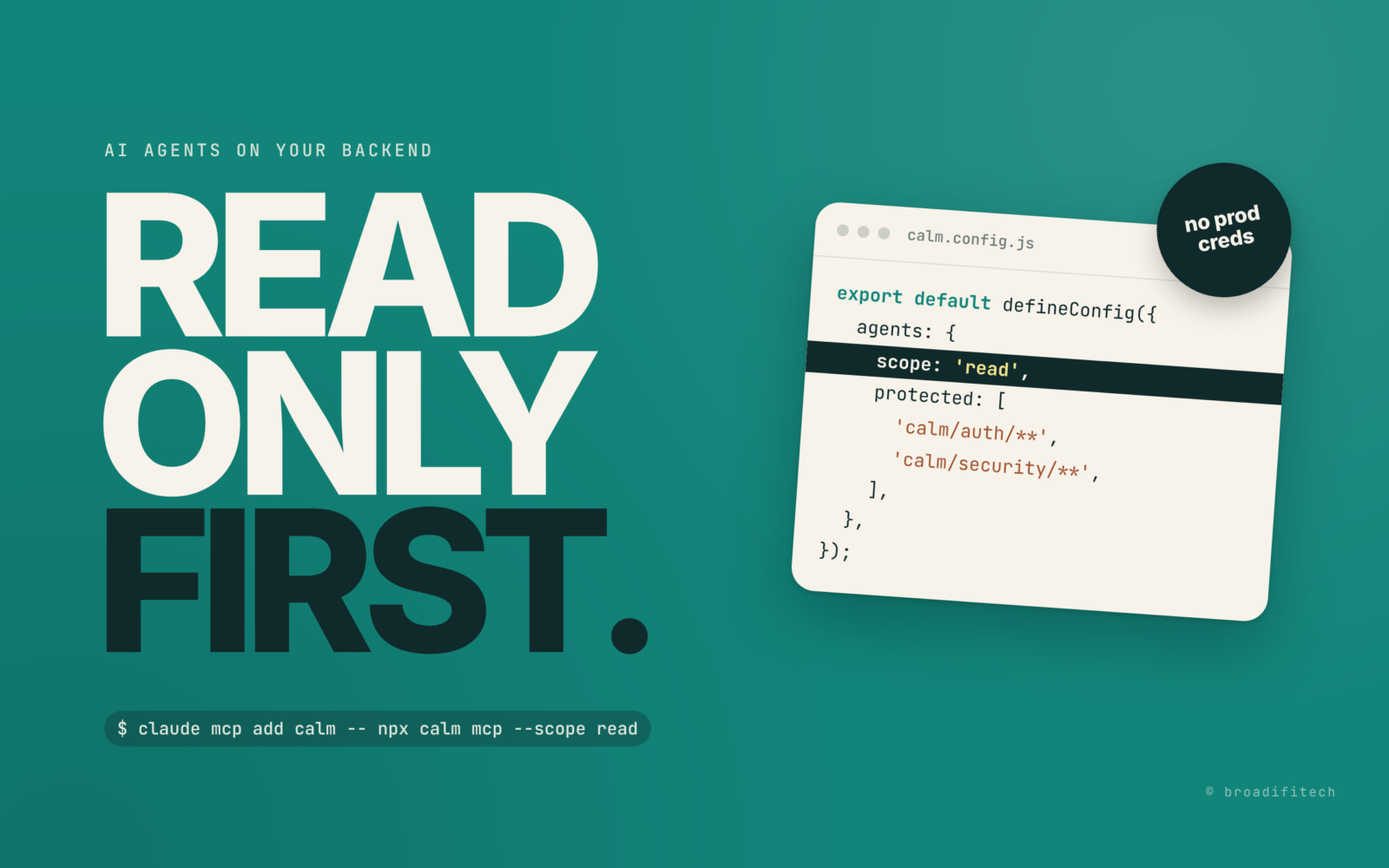
Most agent tools let you decide what the agent may do. Use that. I think of it as three levels: read (inspect the project, list routes, read logs), scaffold (also generate new code from templates), and full (everything, including destructive stuff like restoring data).
A new agent, or a new kind of task, starts at read. If it keeps asking for things it can’t do, that is useful information. Either the task really needs more and I widen it for that session, or the agent was about to surprise me.
And one rule with no exceptions: no production credentials in the agent’s environment. If your .env points at the production database, your agent has production access.
Give it a database you don’t mind losing
Agents test their own work by calling your API. That means writes. Lots of them. So the agent gets a separate dev database with seed data, and I take a snapshot before the session starts.
The manual way works on any stack: mongodump or pg_dump before, restore after if the data looks weird. “Undo” for data should be one command, not an afternoon.
Make the session visible
Question two, “what did it run”, needs a log. Ideally one place that shows the tool calls the agent made, the file diffs, the server restarts and crashes, and the requests it sent.
Without tooling, you can get most of the way: commit everything before the session so the diff afterwards is only the agent’s work, keep the agent on its own branch, and keep the dev server output in a file instead of a terminal tab you’ll close.
Guard the access rules like they are money
This is the guardrail I care about most. Write down who can do what in your API, as a file, and commit it. Then make CI compare the current rules with that file and fail when access gets wider. If the widening is on purpose, a human updates the file and writes down why.
Even a small script that prints every route with its policy, diffed against a committed copy, catches a lot. The important part is that the agent can’t approve its own widening. A person has to.
What I built for this in CalmAPI
I built CalmAPI, an open source Node.js framework for REST APIs on MongoDB, and version 2 bakes these habits in. Honest note first: 2.0 is still in beta. When I scaffolded a test project today, npm gave me 2.0.0-beta.2. You need Node.js 22.12+ and MongoDB.
npm create calmapi@latest my-api
cd my-api && npm run dev

# connect Claude Code, read-only to start
claude mcp add calm -- npx calm mcp --scope read
calm mcp is an MCP server. MCP describes itself as “an open-source standard for connecting AI applications to external systems”. CalmAPI’s server gives the agent 29 tools in four groups: understand the project, change it, try it against the dev server, and check it. Scopes are exactly the three levels above: read, scaffold and full. One thing to know: the default is full unless you set agents.scope in calm.config.js, so I set it. Tools outside the scope stay listed but marked unavailable, and a refused call is logged.
For data, there are checkpoints of the development database (data, not code, git handles code). They are created automatically when an agent connects while the dev server runs, and agents can only restore with the full scope. There’s also calm dev --agent-db, which runs the app on a copy of your dev database that is dropped when calm dev stops.
npx calm checkpoint "before agent session"
npx calm checkpoint list
npx calm restore    # latest one, after a confirmation
For visibility, the Activity panel in devtools (http://localhost:5001/_calm) streams agent tool calls, file changes with diffs marked as agent or you, and server restarts and crashes. Requests have their own panel. Refused calls show in red, and agent edits to protected paths or access rules get a warning badge. To be clear, protected paths are flagged, not blocked, because agents edit files with their own tools.
For access rules, there’s the exposure budget: a committed security.snapshot.json of who may do what. calm audit --ci and calm doctor --ci fail when access is wider than the file, and accepting a wider rule is refused in an agent’s shell. This is the example from the docs:
$ npx calm audit --accept --reason "Visitors can browse posts before they sign up"
! Accepted 2 wider cells:
    post list anonymous: no -> yes
    post.title read anonymous: no -> yes
✔ security.snapshot.json written: 2 resources, 4 personas, accepted by Ada Lovelace. Commit it.
And every new project ships with an AGENTS.md plus a one-line CLAUDE.md that points to it. A few real lines from the one my scaffold generated:
“A refused call means the developer chose a narrower scope; it is not an error to work around.”
“For anything refused or protected, describe the change with
calm_propose(title, reason, the full content of each file); the developer applies it from devtools.”“Before finishing, run
npx calm diff(orcalm_diff) and show the developer what changed in behavior.”
That first line is my favourite. Agents are very good at “working around” things. Telling them plainly that a refusal is a decision, not a bug, saves a lot of creative nonsense.
An agent guardrails checklist for any stack
- No production credentials anywhere the agent can read them.
- Start every new agent or task type at read-only. Widen per session, not forever.
- A separate dev database, with a snapshot before the session and a one-command restore.
- Commit before the session so the diff afterwards is only the agent’s.
- Keep a log of what it ran: commands, requests, restarts.
- A committed file of who can do what, and CI that fails when access widens.
- Only a human can approve wider access, with a written reason.
- An instructions file in the repo (AGENTS.md or similar) that says what the agent must not touch.
- Before merging, answer the three questions: what changed, what ran, what can users do now.
None of this slows the agent down much. It just means that when it says “done”, you can check it in two minutes instead of trusting it. And someone still has to own that code after the agent is gone, which is the whole point of this earlier post on who maintains AI-written code.
Use whatever you like, the habit matters more than the tool. If you want to see more of what we build and share in the open, it’s on our open source page. And if your team already has agents loose on a backend and you’re not sure what they changed, say hi.
